
Rotating messages
Prioritize and reorder multiple announcements in a responsive message carousel.
Keep important promotions visible with rotating messages, countdowns, promo links, discount codes, and location-targeted announcements—all managed from one focused editor.
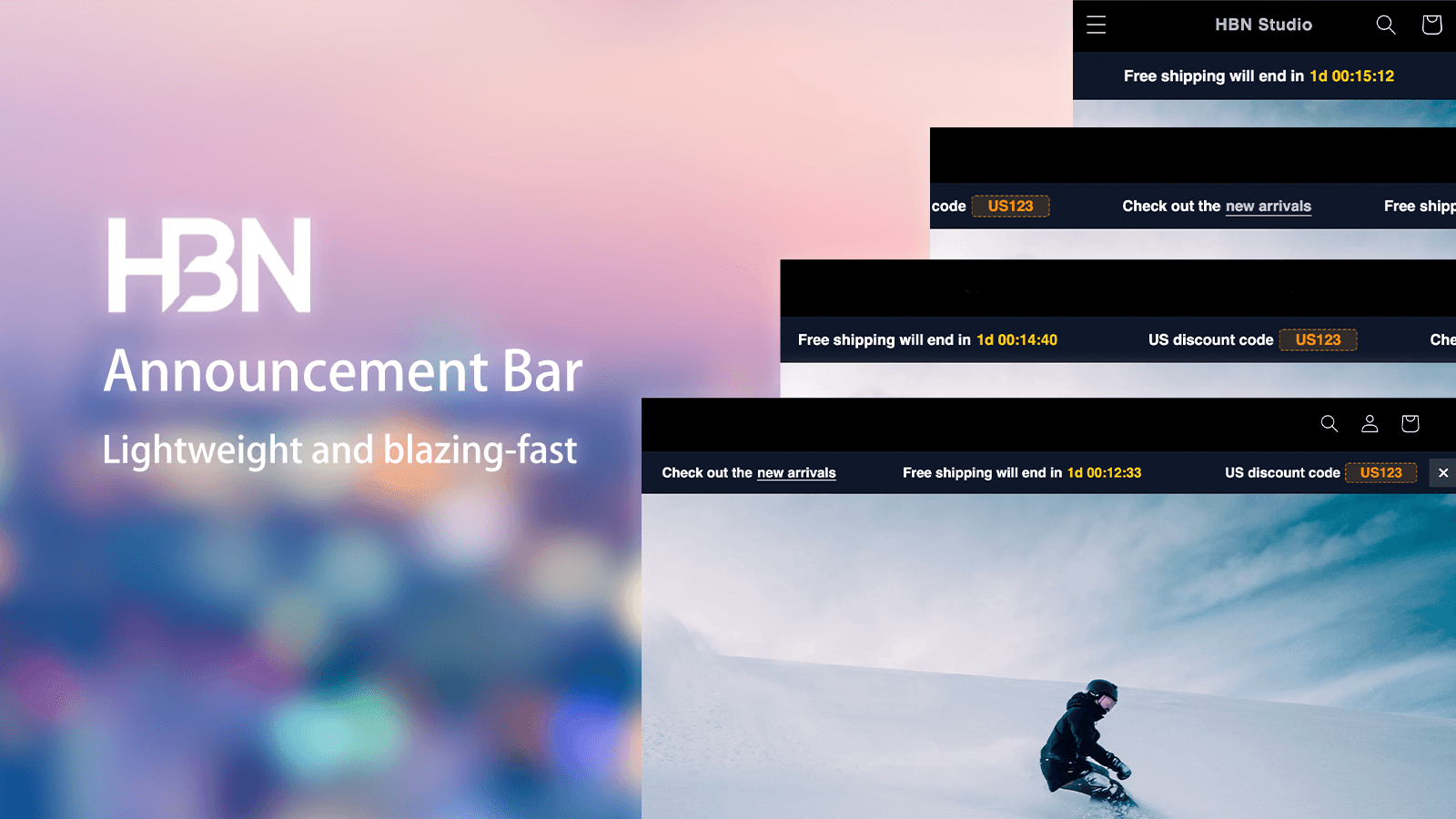
Highlights
Build a promotion area that adapts to different campaigns, visitors, and storefront styles.
Prioritize and reorder multiple announcements in a responsive message carousel.
Add countdowns, scheduled starts, and automatic expiry for promotions that should run within a clear window.
Turn messages into actions with clickable destinations and one-click discount codes.
Control styling, dismiss behavior, and geographic visibility from one editor.
Inside the app
Full-width screenshots preserve the complete interface instead of cropping away important settings.
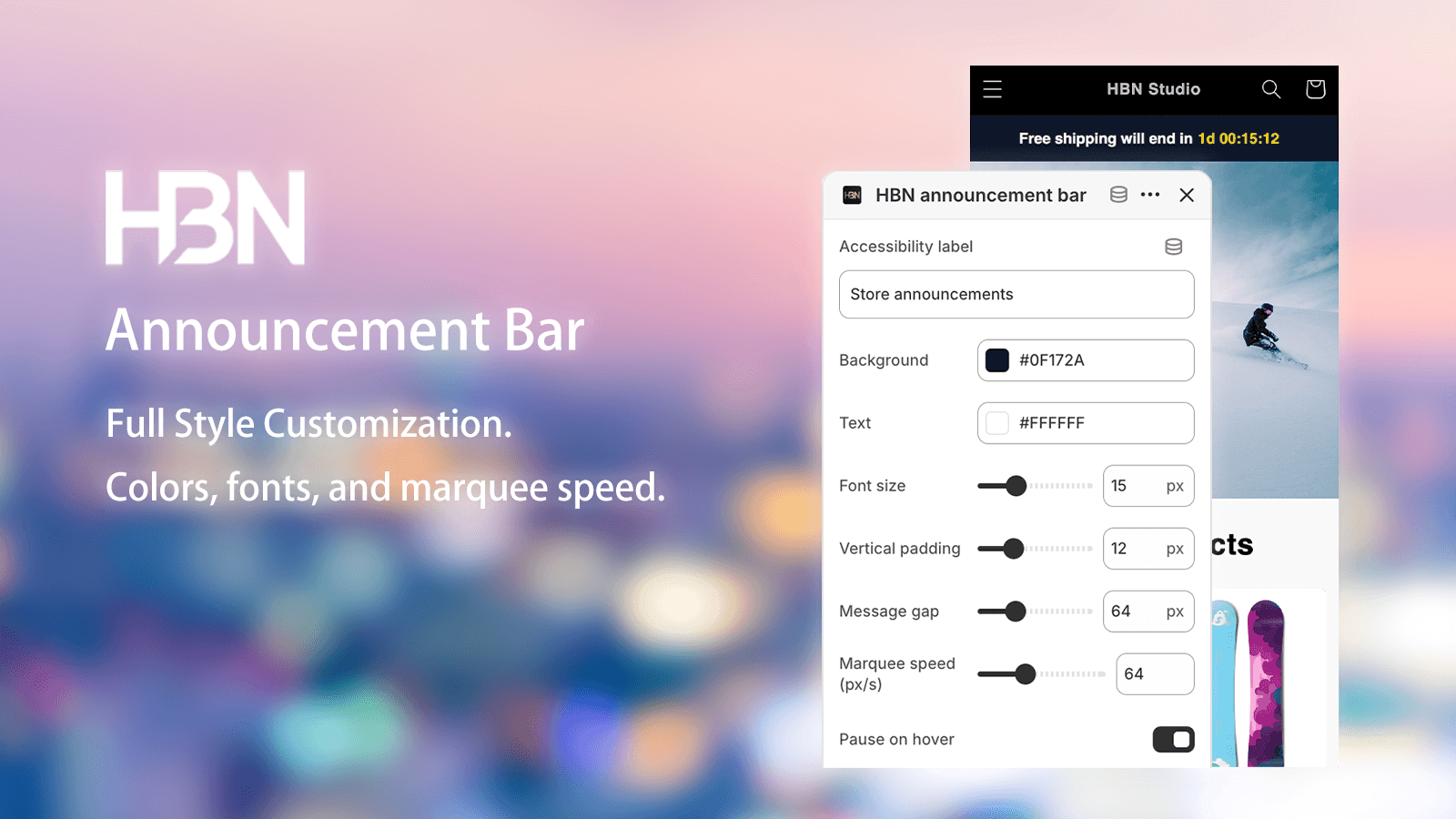
Use focused visual controls to tune colors, typography, alignment, spacing, bar height, and message motion.
The preview keeps those decisions connected to the storefront, helping each announcement feel native to the theme rather than added on top of it.
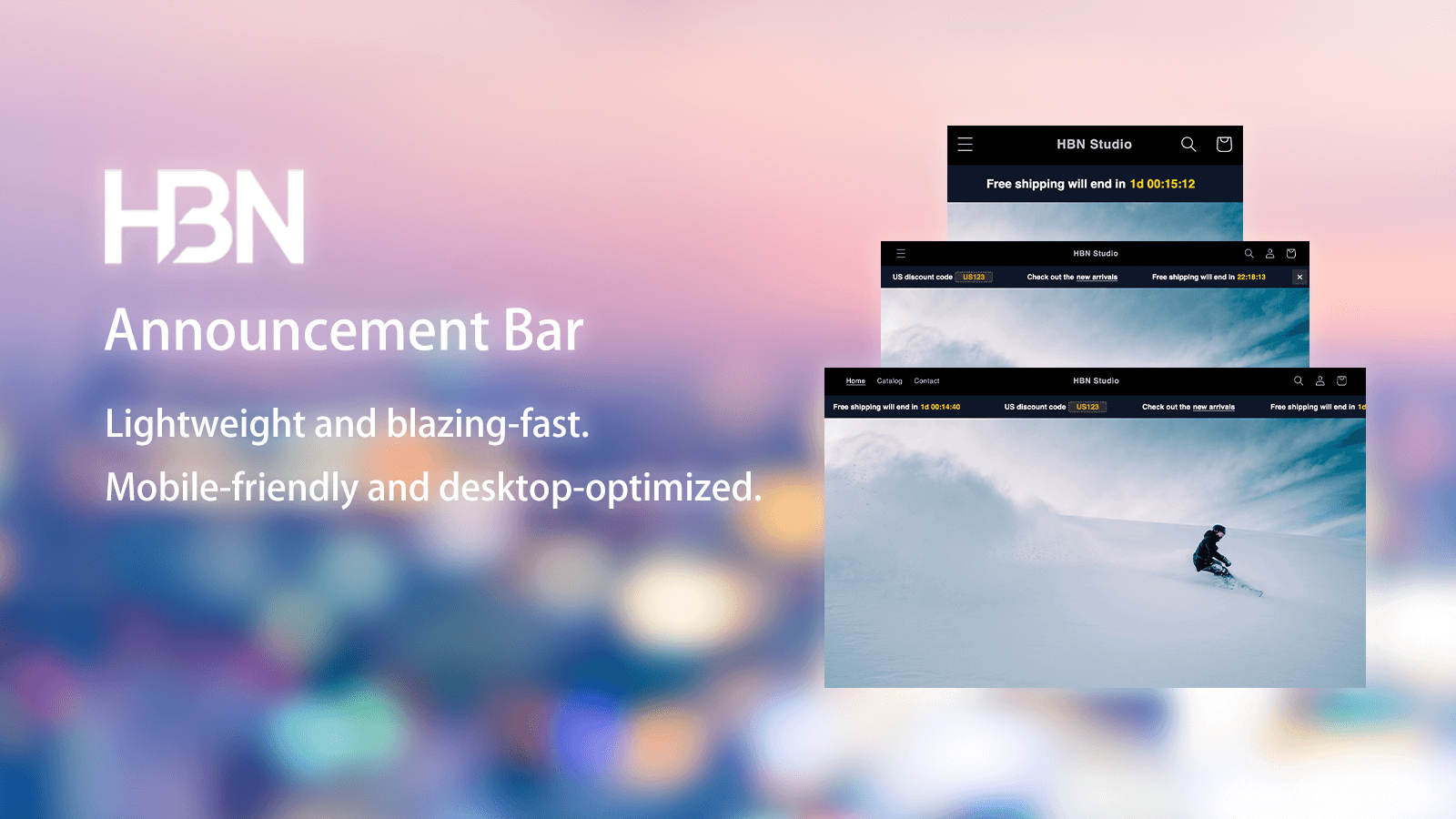
Announcement bars adapt to desktop and mobile layouts without requiring separate versions of every message.
Adjust typography, spacing, and carousel behavior once, then keep promotions readable as the available storefront width changes.
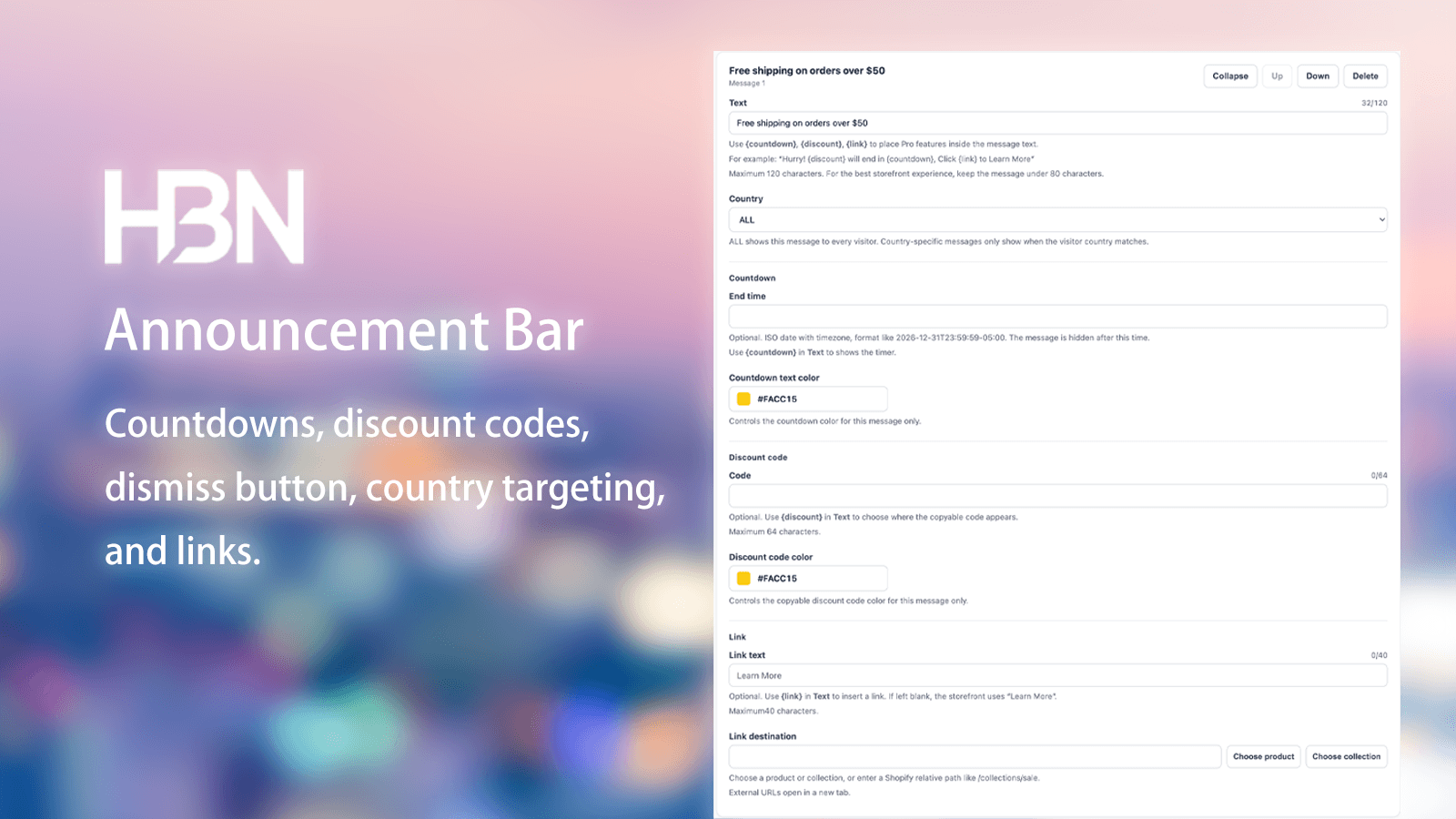
Combine countdowns, discount codes, links, dismiss controls, auto-expiry, and geographic targeting in a single message.
Multiple announcements can be prioritized and reordered, making it easy to grow from a simple notice into a coordinated promotion.
Create your first storefront announcement and upgrade when you need more messages and targeting.